



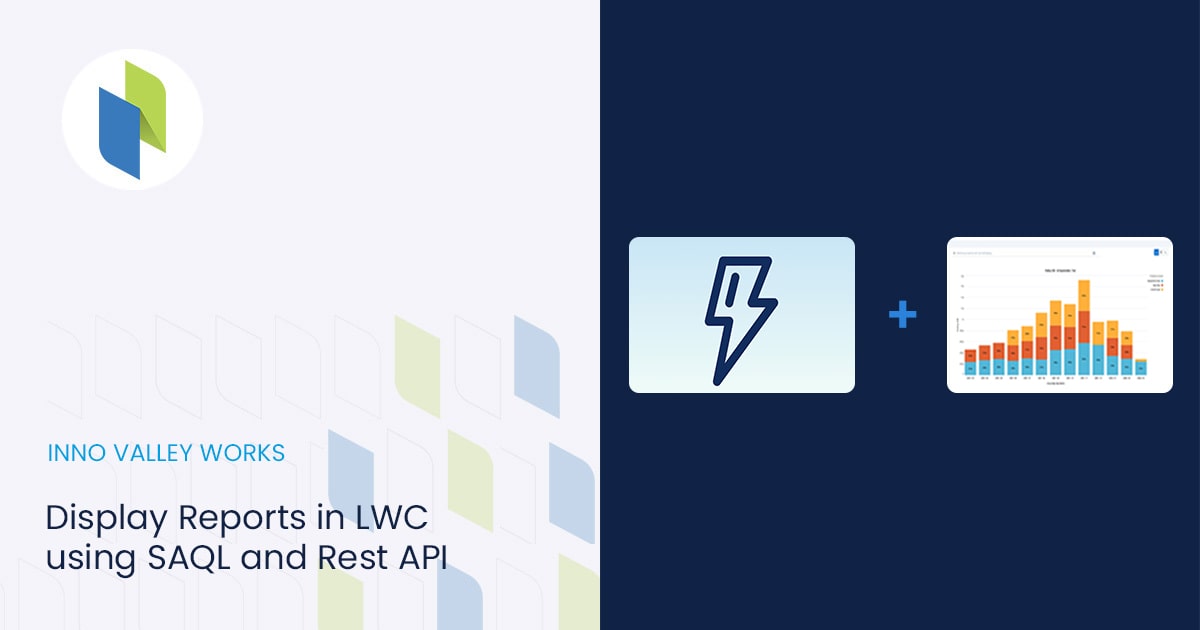
In this blog, we are about to see how to display records in LWC using SAQL query by retrieving data and showing it on th...
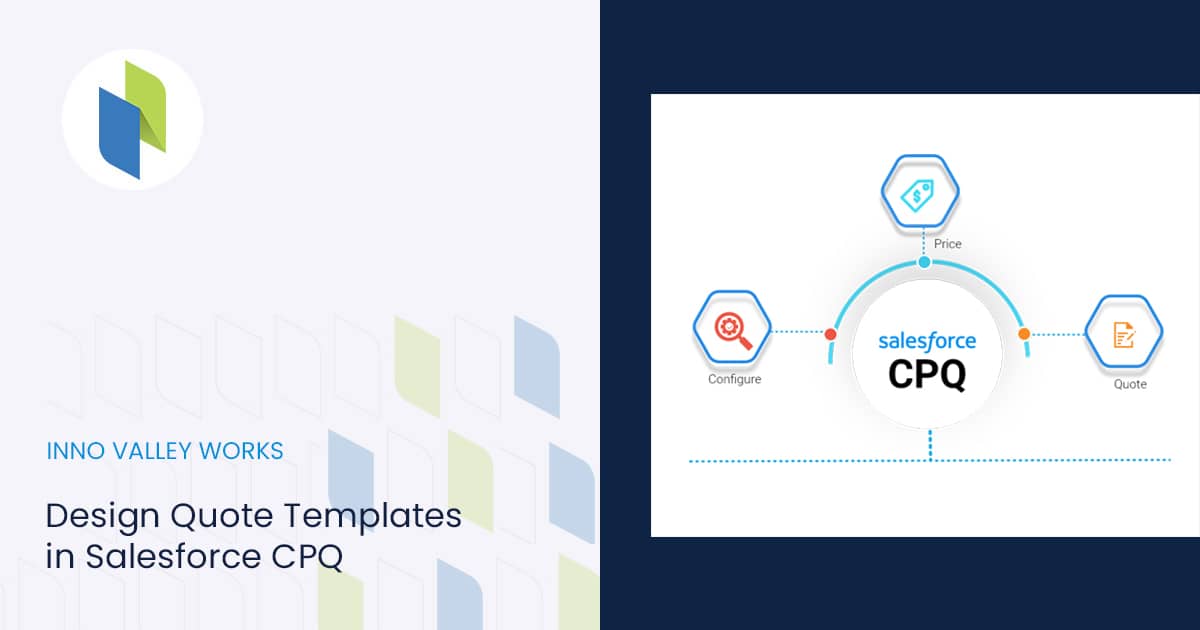
Quote Templates in Salesforce CPQ are based on HTML, so they are configurable and diverse. If you are brand new to CPQ, ...
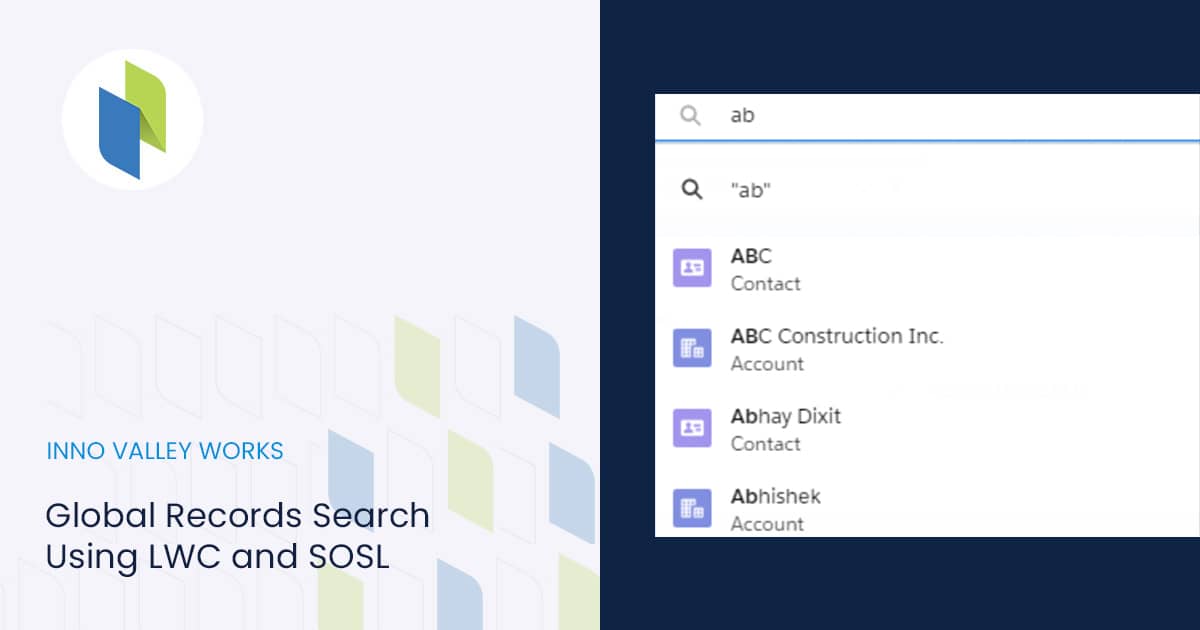
In this blog post, we will show you how to implement Global Records Search Using LWC and SOSL. First of all, this featur...
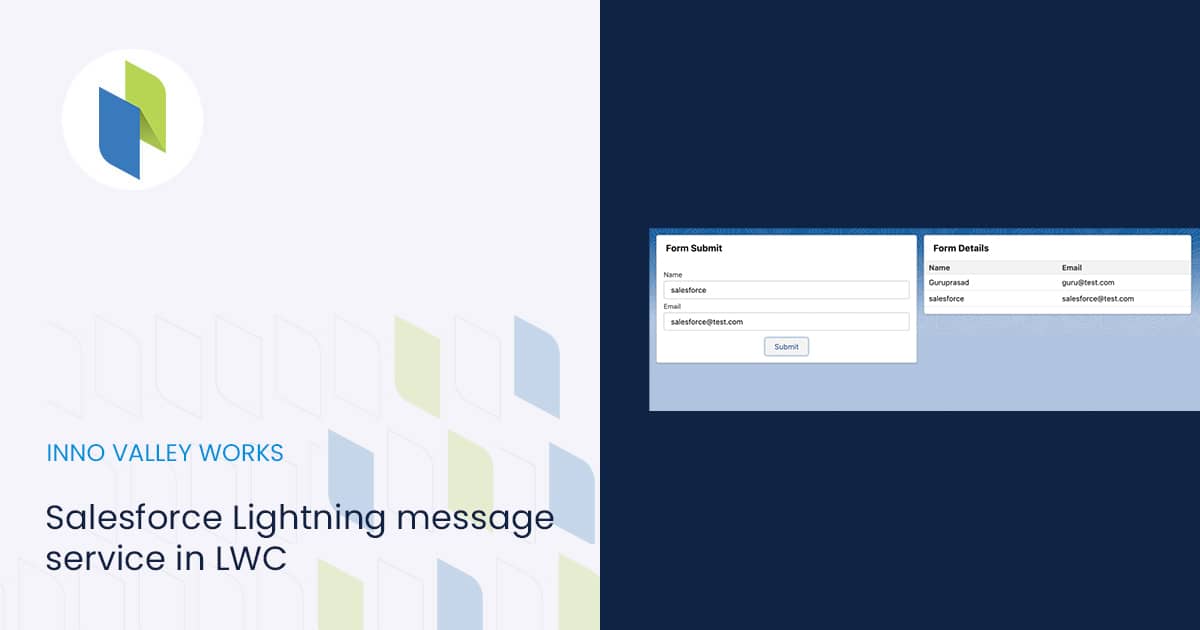
In this blog, I’ll go over a very interesting feature that Lightning message service in LWC offers. I’ll show you...
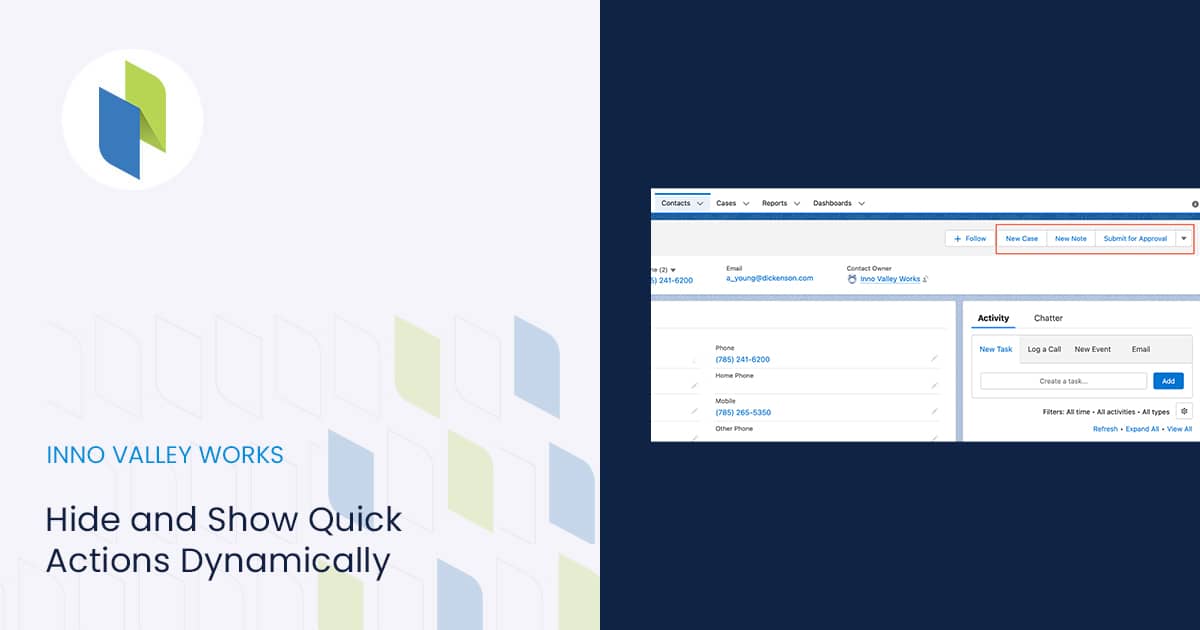
In this blog, we’ll use a cool standard Salesforce functionality to dynamically render quick actions. Quick Act...
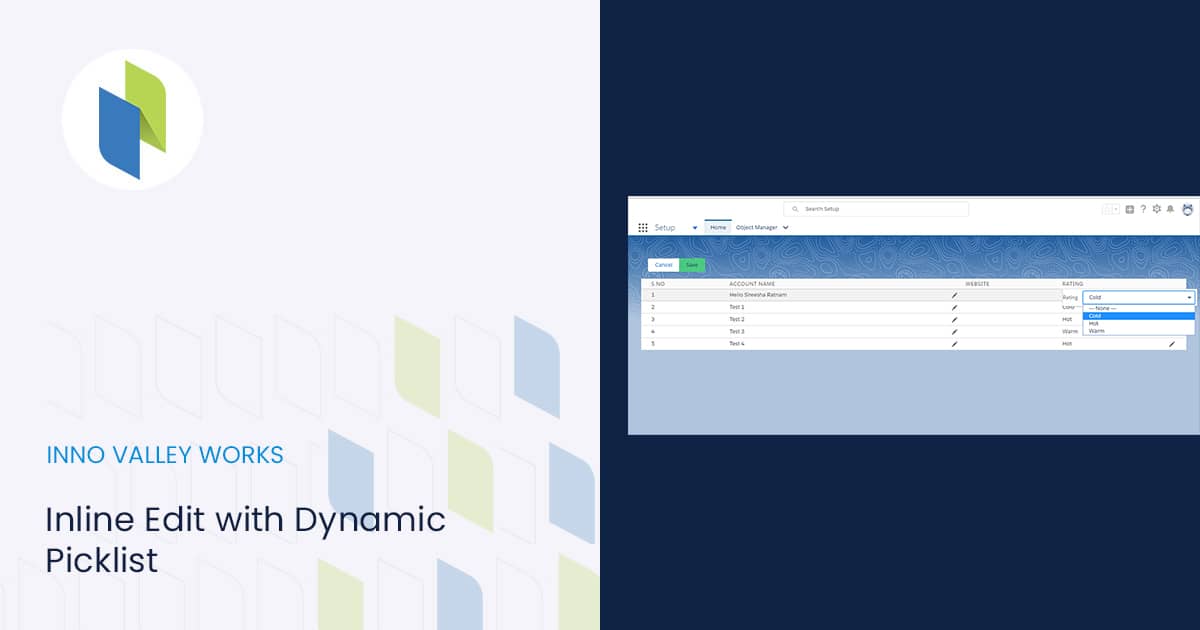
To display Salesforce data in a table, use the lightning-datatable component. Inline Edit with Dynamic Picklist lets use...
Step 1 We Need to Get a Backup of old records in the Org in which we need to Trigger theTime-dependent Flow. Step ...
1. Setting Up Google Ads API To get started with Google Ads API Integration using Postman, you first need to create a pr...
To get started with how to connect Salesforce to Power BI, follow the steps below. Step 1 : Click on “Get Data” in Po...
 .
.